A class roster that sorts itself
Students whose score is low, dropped from last week, had drowsiness alerts, or stopped driving come to the top, with the reason next to their name.
For driving schools
Most of a new driver's hours happen with a parent, not with you. AutoSight shows how a student's attention holds up on those practice drives: a Focus Score, each moment their eyes left the road, and a replay of every alert. Students choose to share from their own phones.
Students opt inNo video, no locationWorks in the family car
Try it now
Six made-up students show each thing the roster flags: a low score, a drop from last week, drowsiness, no recent drives. Nothing you do there is sent anywhere.
Design concept
What you see
Students whose score is low, dropped from last week, had drowsiness alerts, or stopped driving come to the top, with the reason next to their name.
Focus Score by week, drift per hour, the longest time eyes were off the road, and every drive with its alerts.
An animated face shows exactly where the student was looking when an alert fired. No footage exists to show.
What students control
You send an invite link. The student sees your school's name and exactly what you will and won't see, then decides. Students under 18 should have a parent or guardian's OK.
One tap in settings. Your roster shows that they stopped sharing, and nothing new reaches you. Their family's view keeps working.
Your copy of each drive is made separately on the student's phone and leaves out family-only details like distance and camera checks.
Drives are encrypted with a key only your school's devices have. AutoSight's server stores them but can't read them, and a student's invite link can only send drives, never read a classmate's. Close your school space and it's erased.
How a school pilot works
A 20-minute call with the founder to create your school space and walk through the instructor view.
Students read the pilot notice and run the 90-second accuracy test while parked, so we know AutoSight reads their face on their phone.
Students who opt in, with a parent's signed consent if they're under 18, start a drive before pulling out. You check the roster before lessons.
A short debrief: what helped, what got in the way, and what you'd need to use it with every student.
Questions
No. AutoSight is a coaching tool for one habit, keeping eyes on the road. It doesn't judge speed, lane position, or decisions, and it's not a safety system.
No. AutoSight never records video. You see numbers and an animated replay of each alert.
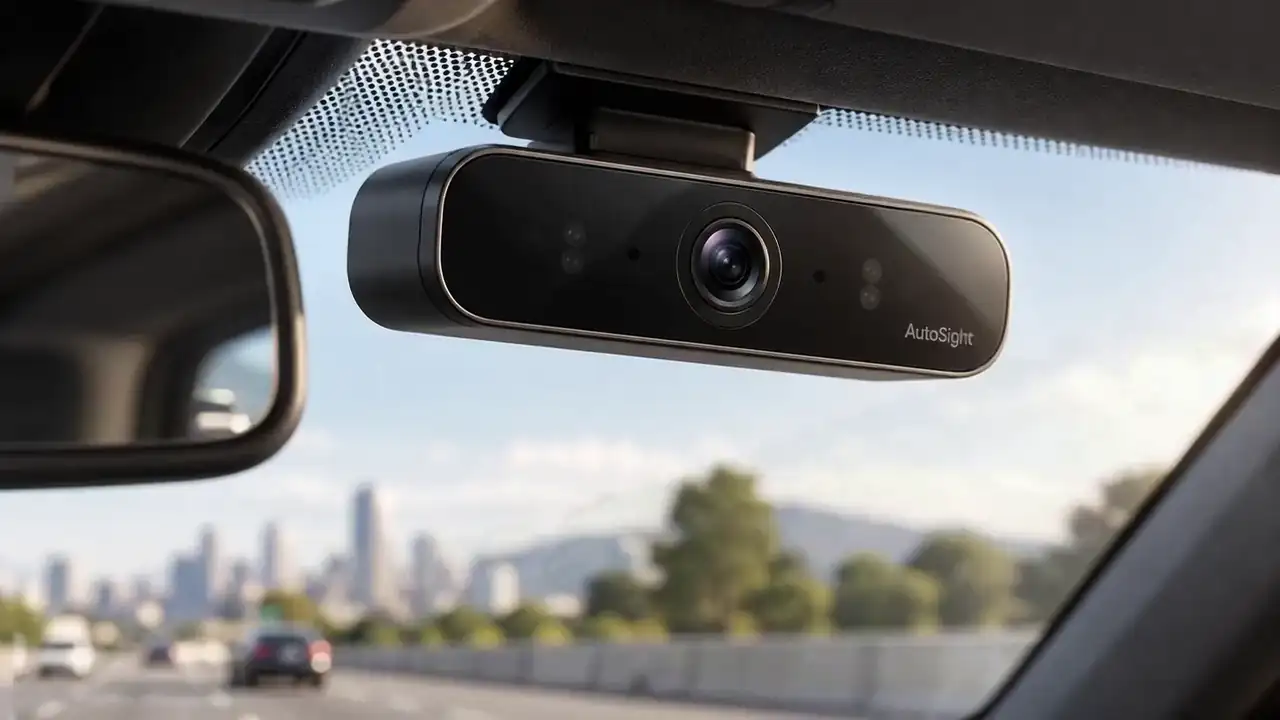
AutoSight One on the dash of the car they practice in, and the AutoSight app to share drives. During the pilot, students start with the app, which runs the same attention engine on a phone mounted facing the driver.
No. AutoSight doesn't record location. The school's copy of a drive doesn't even include its distance.
Pilot schools get early access. We'll talk about pricing with you before any general release.
Then nothing is shared with you. Opting in is always the student's choice, and they can stop at any time.
School pilot
Tell us a little about your school. Torben, AutoSight's founder, will reply by email to set up a call.
Prefer to look first? Open the instructor view and load the sample class.